Hobby Connector Field Guide
A practical map through hobby connector chaos: identify, choose, buy, crimp, and avoid the common traps.
Hobby connector information is a mess. Listings abuse names, photos lie about scale, clone parts blur family boundaries, and “JST” usually tells you almost nothing by itself. This guide helps you identify what you're holding, buy the right mate, crimp it without inventing new swear words, and know when a cheap hobby connector has reached the end of its lane.
The real system is larger than the visible plastic: housing, contact, wire range, mating half, and tooling all have to agree. Photo: 4dtext, CC BY-SA 3.0, via Wikimedia Commons.
This track joined at v0.8 and keeps expanding under the same source discipline as the rest of the guide; the core workflow and the major family deep dives are in place, and the remaining short topics are tracked in Hobby Source Notes. The Professional / Industrial guide has been around longer, and its fundamentals—what connectors do, how they're built, and what good crimping looks like—still apply here.
The workflow that actually works
The names are messy, marketplace titles are unreliable, and “JST” by itself is not an identification. When a mystery connector lands on your bench, run this sequence instead of scrolling until a photo feels right:
- Identify the connector family — not "it looks like a JST," the actual family/series. (How to identify an unknown connector)
- Measure the pitch with calipers. (Pitch: the number that saves you)
- Count positions.
- Determine the connection type — wire-to-board, wire-to-wire, or board-to-board.
- Identify the latch/keying — positive latch, friction fit, polarization bumps.
- Identify the housing and the terminal/contact separately — they are different part numbers, and both must match the family.
- Verify against a drawing or datasheet — not a listing photo.
- Buy samples before committing a whole project or a bulk order.
A connector that fits is not automatically the right connector. Check pitch, family, latch, contact, wire gauge, current, polarity, and mating part before using it in a project.
Start with these
- The Big Idea: Connector Families, Not Connector Vibes
- How to Identify an Unknown Connector
- JST Is Not One Connector
- Common Hobby Connector Families — including JST-SM and LED string connectors
- Power vs Signal Connectors and Crimping Without Losing Your Mind
- Amazon/eBay/AliExpress Connector Kits and Buying the Right Mating Parts
- The Hobby Decision Guide — the scannable project-to-family starting table
- When Hobby Connectors Are Not Enough
What this guide covers
Covered in dedicated pages:
- JST-family and JST-style connectors — and why "JST" alone names a manufacturer's ecosystem, not one connector
- Dupont / 0.1 inch headers
- Qwiic, STEMMA QT, and dev-board ecosystems
- LED string and strip connectors, including JST-SM-style connectors
- RC power connectors — the XT30/XT60/XT90 ecosystem, plus the wider battery-connector landscape (Deans, EC, Traxxas, Tamiya-style, bullets, Powerpole)
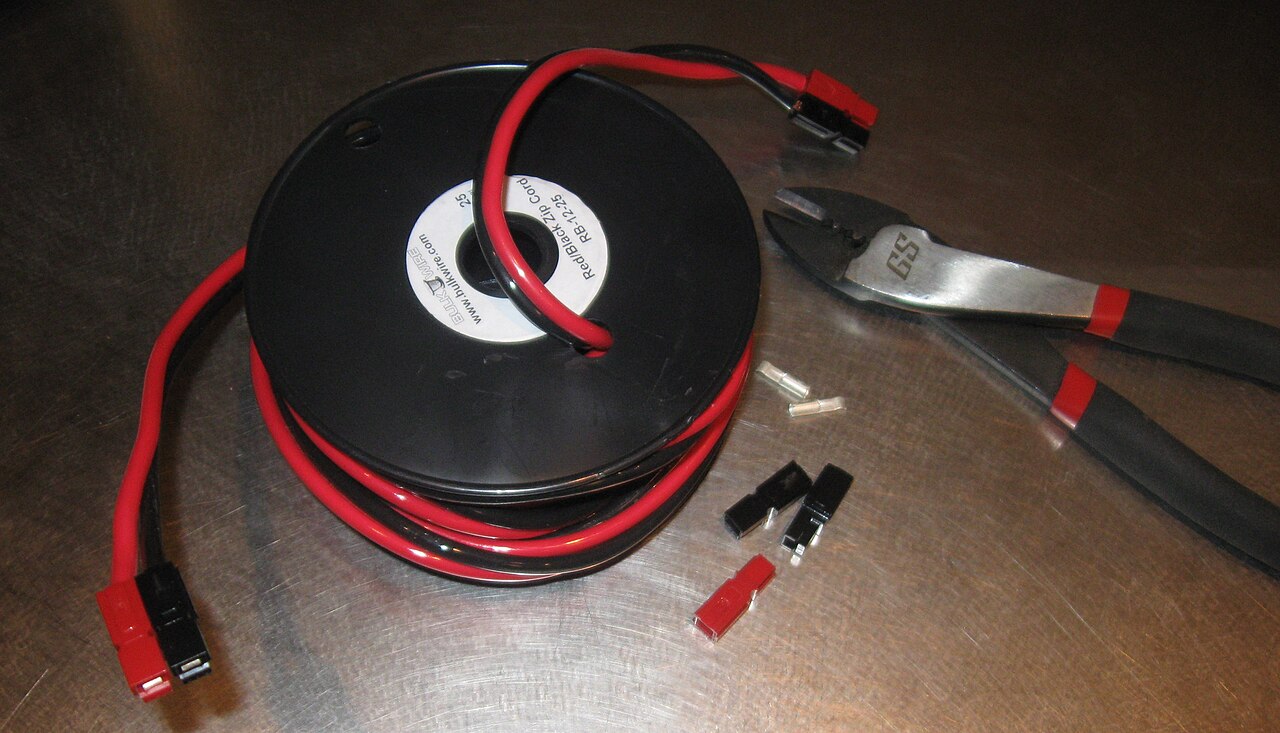
- The Anderson Powerpole system
- Servo connectors — one pin order, two housings, and the stall-current reality
- USB-C as a project power source — the resistor rule, the PD ladder, and the cable's role
- JST-GH — the drone world's locking standard
- Barrel jacks and their polarity traps
- Screw terminals, spring clamps, and ferrules
- Molex Micro-Fit 3.0 and the Fit ladder — capsule here, with the full deep dive on the engineering track
- Crimping, pre-crimped leads, and connector kits
- Identifying unknown connectors
Capsule notes only, for now — short field notes in Common Hobby Connector Families, with deep pages on the roadmap:
- JST-RCY battery pairs
- IDC ribbon connectors
- FFC/FPC flat-flex (ZIF) cables
- GX/SP-style "aviation / waterproof" marketplace circulars
- The Grove ecosystem — its sourced connector facts live on the Qwiic / STEMMA QT page
What this guide does not do
- It does not replace datasheets.
- It does not guarantee clone compatibility.
- It does not make marketplace current ratings trustworthy.
- It does not certify connectors for fielded, safety-critical, outdoor, automotive, marine, or production systems.
- When a project becomes fielded or customer-facing, use the Professional / Industrial guide.
Never trust a listing title or a photo. Verify pitch, latch, housing, contact, and the datasheet drawing before buying — a connector that fits can still be electrically or mechanically wrong, and "JST-compatible" does not mean genuine JST.
Where the hobby and engineering tracks meet
The core mental model is the same in both tracks: a connector is a controlled interface, not just "a plug with enough pins." When your project starts carrying real battery power, going outdoors, riding on a vehicle, or being built by someone else, that's your cue to graduate specific interfaces to the engineering track — start with rugged on a budget and the energized-connector safety warning.
Mentoring a student or intern who starts from maker experience? How to Use This Guide with an Intern sequences both tracks into an onboarding program.