Pick a connector for a debug/service port
This is the port you use to program, debug, or rescue the hardware—not the connector the system depends on every minute. It may only get touched during bring-up or maintenance, but “temporary” ports have a habit of becoming permanent, so design it like somebody will still need it in five years.
Use this when
- The port is for programming, debug, or periodic service.
- Access is occasional and usually by a technician.
Avoid this when
- It is really a permanent operational interface wearing a "debug" label — if so, treat it as a first-class interface and document it fully.
Families to start with
- Keyed shrouded header or Tag-Connect for board-level programming/debug.
- Micro-D or MIL-grade D-sub for a benign, protected service port.
- Sealed service M12 or a 38999 maintenance connector if the port is external.
- USB-C only behind a cover, never as a bare exposed panel port — the hobby track's USB-C power page covers the connector's electrical side.
- 8P8C modular (often called RJ45) for protected console or service access only when the pinout and use are explicit. Its familiar Ethernet appearance invites the wrong cable, so do not repurpose it casually or place hazardous/non-Ethernet signals where a network cable can reach.
- Push-pull latching circulars (LEMO / ODU / Fischer class) — the premium test/medical/broadcast quick-disconnect: self-latching, compact, high-cycle — at a price class of its own. Know them on sight, and specify them where cycle count and one-handed mating justify the cost.
- On vehicles, the diagnostic port is already standardized — OBD-II / SAE J1962 on cars and light trucks, the 9-pin J1939 DEUTSCH HD10 on heavy equipment (see the DEUTSCH deep dive). Match the standard; don't invent a port.
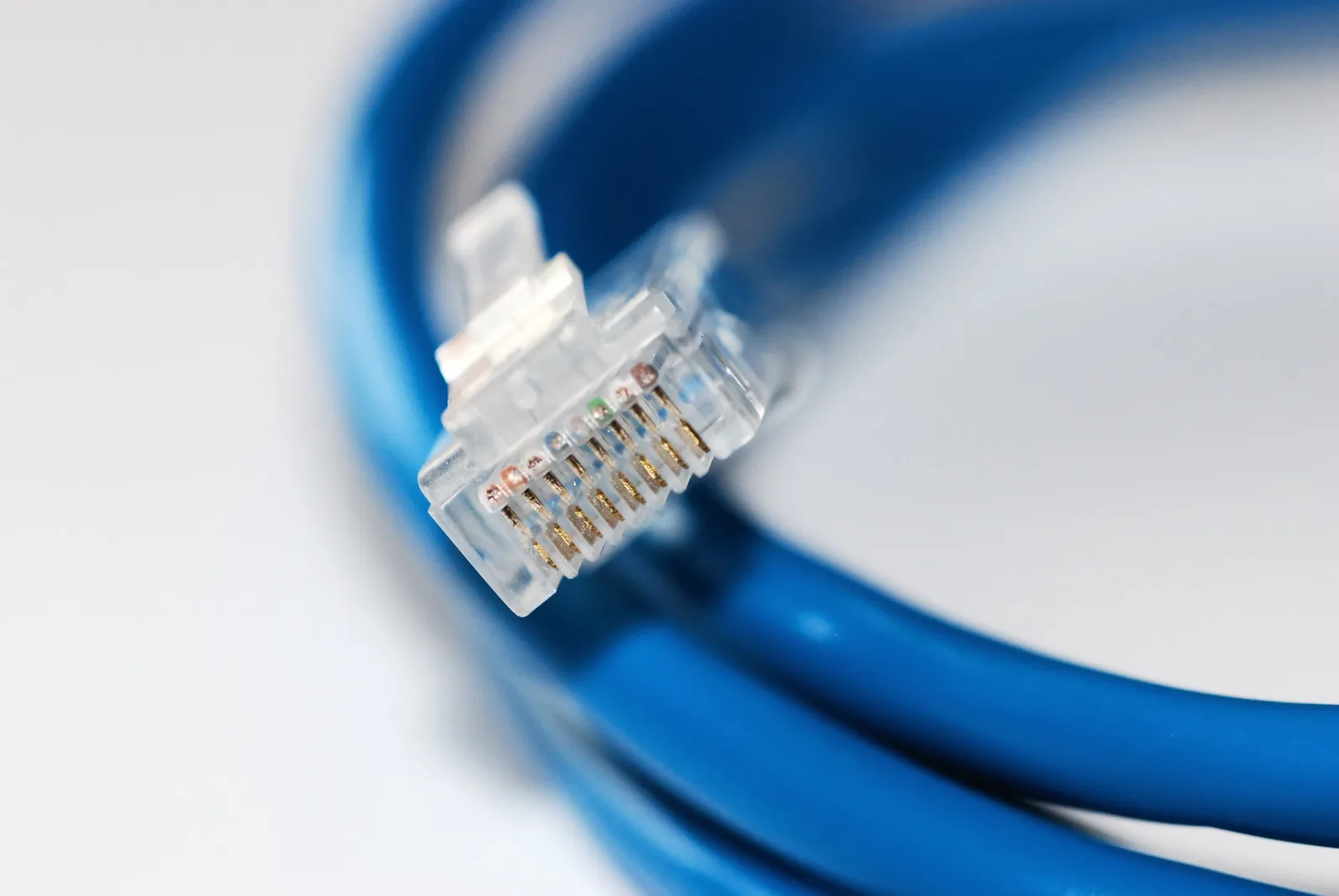
Familiarity is both the attraction and the hazard: this 8P8C plug looks like ordinary Ethernet, so a non-Ethernet service use needs explicit labeling, pinout control, and a misconnection analysis. Photo: Devcore, CC0 1.0, via Wikimedia Commons. Resized and converted to WebP.
See Decision Examples.
Search terms
Tag-Connect programming header footprintkeyed shrouded header 2.54mmMicro-D service connector
Specs to check
- Access level — who opens it, and how often.
- Mating cycles for the expected service life.
- Contact plating vs. those cycles — debug lines are low-level signals, so this is gold territory; on a high-cycle port, thin gold flash wears through mid-life (low-level signal contacts).
- ESD strategy and pin protection.
- Sealing if the port is exposed, and distinct keying from operational ports.
Parts people forget
- A dust cap for the unmated port.
- ESD protection at the port.
- Distinct keying so the service port can't be confused with an operational one.
See What People Forget.
Common traps
- A bare USB-C on an exposed panel.
- Same keying as an operational port, inviting a mis-mate.
- Letting a debug port quietly become an undocumented production interface.
- A tiny hobby connector chosen for what turns into repeated lab use.
Questions to ask a vendor/FAE
- What is the rated mating-cycle life for this connector?
- What ESD and pin-protection options exist?
- Is a cover / cap available, and what alternate keying options are there?
Example documentation bundle
- A selection table row noting access level and mating cycles.
- A source-controlled pinout — even a debug port gets documented.
- An ICD entry so the "temporary" port doesn't become tribal knowledge.
Related: Decision Examples · Consumer / Hobby / Prototype connectors.